


Secure Your Business with Data Protection and Backup
In today’s digital world, protecting your business data is not optional. It is essential. Every day, small businesses face threats from cyberattacks, hardware failures, and accidental data loss. For dental and healthcare practices in Southern California, the stakes are even higher. Patient records, billing information, and appointment schedules must be secure and accessible at all times. I want to share practical steps to help you secure your business with data protection and backup strategies that work.
Why Data Protection and Backup Matter
Data is the lifeblood of your business. Losing it can mean lost revenue, damaged reputation, and legal trouble. Here’s why you must prioritize data protection and backup:
Prevent downtime: When data is lost or corrupted, your operations can grind to a halt.
Meet compliance: Healthcare and dental practices must follow strict regulations like HIPAA.
Protect patient trust: Confidential patient information must be safeguarded.
Avoid financial loss: Recovering lost data can be costly and time-consuming.
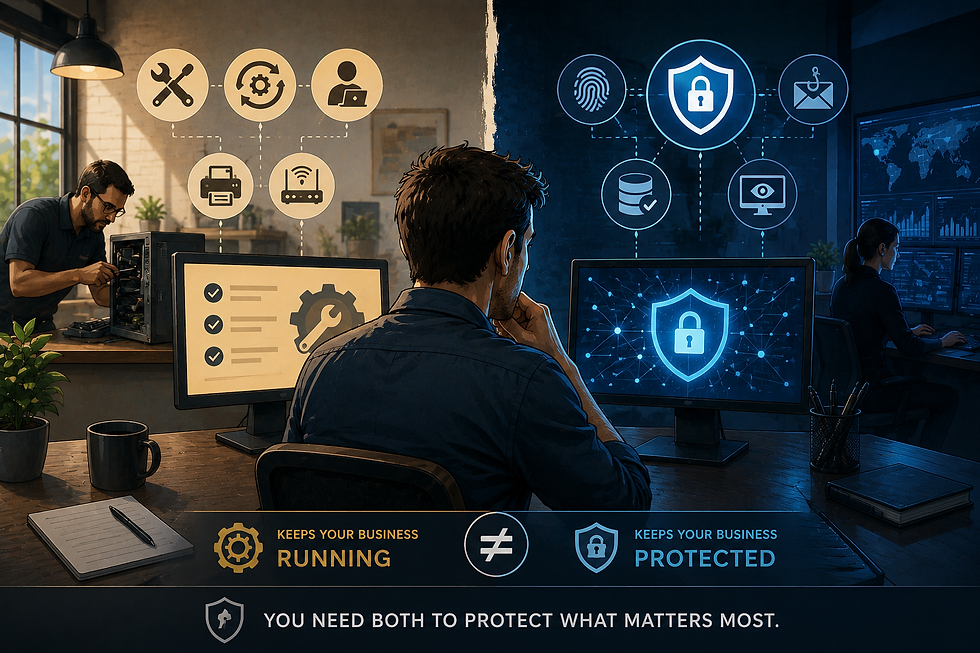
Data protection means securing your data from unauthorized access and threats. Backup means making copies of your data so you can restore it if something goes wrong. Both are critical. Without backup, protection alone is not enough.
How to Build a Strong Data Protection and Backup Plan
Creating a reliable data protection and backup plan involves several key steps. Here’s a straightforward approach:
1. Identify Critical Data
Start by listing all the data your business depends on. For dental and healthcare practices, this includes:
Patient records and medical histories
Appointment schedules
Billing and insurance information
Employee records
Business emails and communications
Knowing what data is critical helps you focus your protection efforts.
2. Use Strong Access Controls
Limit who can access sensitive data. Use strong passwords, multi-factor authentication, and role-based access controls. This reduces the risk of insider threats and unauthorized access.
3. Encrypt Your Data
Encryption scrambles your data so only authorized users can read it. Encrypt data both at rest (stored data) and in transit (data being sent over networks). This is especially important for patient information.
4. Implement Regular Backups
Backups should be:
Frequent: Daily or even hourly backups depending on your business needs.
Automated: Manual backups are prone to errors and forgetfulness.
Offsite: Store backups in a different physical location or in the cloud to protect against local disasters.
5. Test Your Backups
A backup is only useful if it works. Regularly test your backups by restoring data to ensure they are complete and functional.
6. Keep Software Updated
Outdated software can have vulnerabilities. Keep your operating systems, antivirus, and backup software up to date to protect against new threats.

Common Data Threats and How to Defend Against Them
Understanding the threats helps you prepare better defenses. Here are common risks and how to counter them:
Malware and Ransomware
Malware can corrupt or steal your data. Ransomware locks your files and demands payment. Protect yourself by:
Installing reputable antivirus software
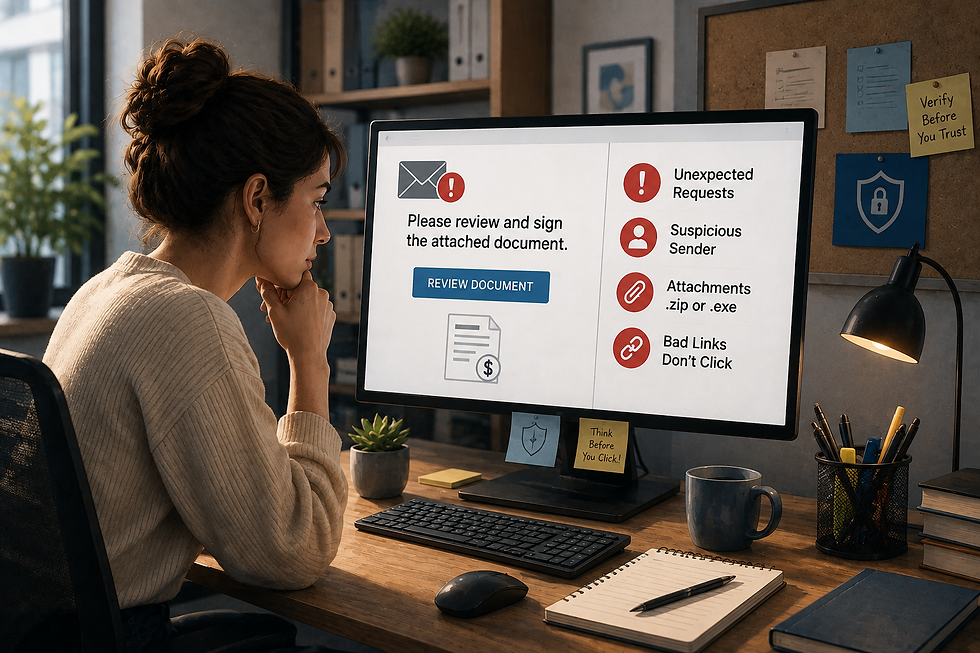
Avoiding suspicious emails and links
Keeping backups isolated from your main network
Human Error
Accidental deletion or misconfiguration can cause data loss. Train your staff on data handling best practices and use software that prevents accidental deletions.
Hardware Failure
Hard drives and servers can fail without warning. Use redundant storage systems and maintain regular backups to minimize impact.
Natural Disasters
Floods, fires, and earthquakes can destroy physical hardware. Offsite backups and cloud storage protect your data from these events.
How CRSI Data Protection Services Can Help
Managing data protection and backup can be complex. That’s where crsi data protection services come in. They specialize in helping small businesses, especially dental and healthcare practices in Southern California, secure their data with tailored solutions.
Their services include:
Comprehensive risk assessments
Customized backup strategies
Continuous monitoring and support
Compliance assistance for healthcare regulations
Partnering with experts lets you focus on your patients while they handle your IT security.

Steps You Can Take Today to Improve Data Security
You don’t have to wait to start protecting your business. Here are immediate actions you can take:
Review your current backup process. Is it automated? Are backups stored offsite?
Change all passwords to strong, unique ones. Use a password manager if needed.
Enable multi-factor authentication on all critical accounts.
Update all software and security patches.
Train your staff on recognizing phishing emails and safe data practices.
Schedule a consultation with a trusted IT provider to assess your data protection needs.
Preparing for the Future of Data Security
Data threats evolve constantly. Staying secure means staying proactive. Here’s what to keep in mind:
Adopt cloud solutions for scalable and secure data storage.
Use AI-powered security tools to detect threats faster.
Regularly review and update your data protection policies.
Plan for disaster recovery with clear steps to restore operations quickly.
By investing in strong data protection and backup now, you build resilience for your business’s future.
Protecting your business data is not just about technology. It’s about peace of mind. It’s about ensuring your dental or healthcare practice in Southern California can serve patients without interruption. Take control of your data security today. Your business depends on it.

Comments